AI Image Generation in 2026: The Complete Beginner-to-Pro Guide
Everything you need to go from typing your first prompt to producing professional, commercial-grade AI artwork.
AI image generation has become the second most disruptive creative technology of the decade — and 2026 is the year it crossed from novelty into the daily toolkit of designers, marketers, and indie creators. This guide walks you from your very first prompt to a professional production workflow you can use commercially.
How AI Image Generation Actually Works (In Plain English)
Modern image models are diffusion systems: they start with pure visual noise and, guided by your prompt, denoise it step-by-step into a coherent picture. Newer models like DALL·E 4 and SDXL Turbo do this in under a second, while Midjourney v7 trades speed for jaw-dropping aesthetics.
The Top 4 AI Image Generators in 2026
Midjourney v7 — Best for Aesthetic Quality
Still the king for sheer visual taste. Midjourney's v7 model added native consistency for characters and brands, finally solving the 'same person, different scene' problem.
DALL·E 4 (inside ChatGPT) — Best for Following Instructions
If you need an image that obeys you — exact text, exact layout, exact composition — DALL·E 4 wins. It's also the easiest to iterate on conversationally.
Stable Diffusion XL Turbo — Best for Power Users
Open source, locally runnable, and infinitely customizable with LoRAs and ControlNets. The clear winner for studios that need privacy or specialized styles.
Ideogram 3.0 — Best for Text & Typography
Posters, logos, and any image where typography matters — Ideogram still has no real competitor.
Prompt Engineering: The 5 Rules That Actually Matter
- Lead with the subject, not the style.
- Describe lighting like a photographer — 'golden hour', 'soft window light', 'cinematic rim light'.
- Specify medium: photo, illustration, 3D render, oil painting.
- Add camera language: '35mm lens', 'shallow depth of field', 'wide shot'.
- Use negative prompts to remove what you don't want.
Commercial Use, Copyright & Ethics
Every major provider now allows commercial use of generated images on paid plans, but copyright on the outputs varies by jurisdiction. As of 2026, the US Copyright Office still requires meaningful human authorship for registration. When in doubt, document your prompts and edits.
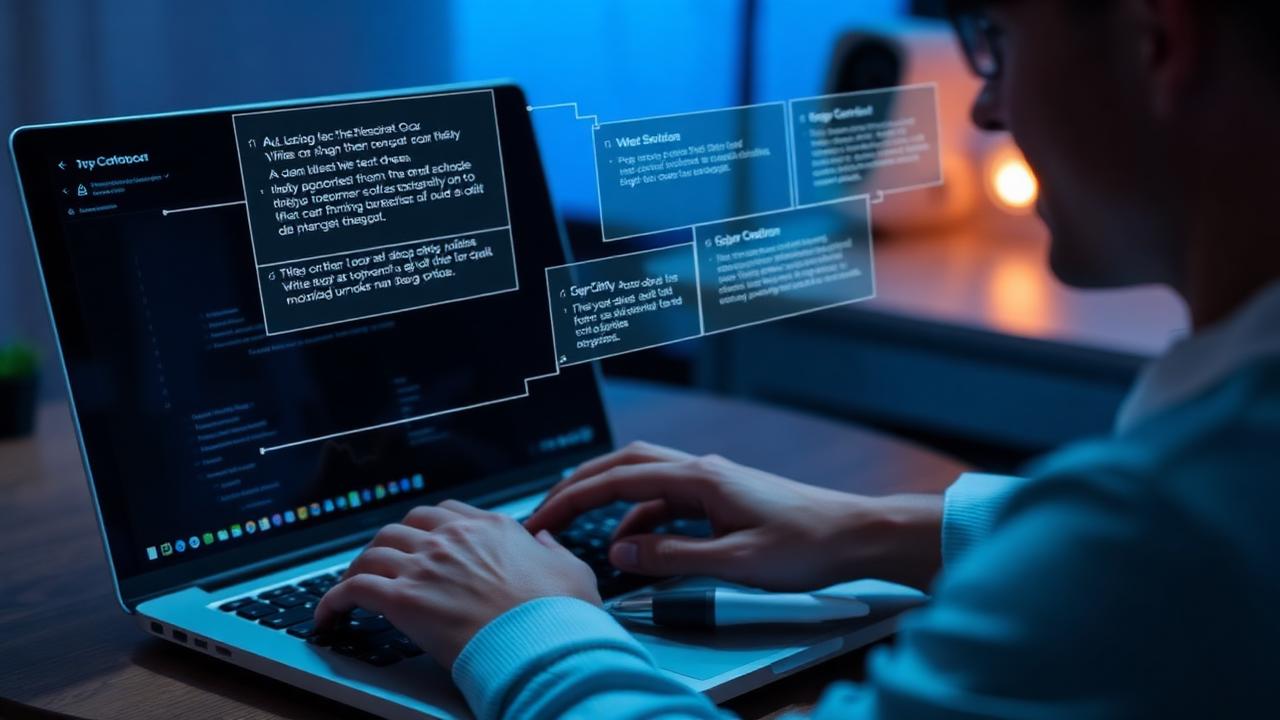
A Professional Workflow You Can Steal
Generate 20 variations in Midjourney, pick 3, upscale, then bring them into Photoshop or Figma for color grading and composition fixes. Finish with a real photo overlay or hand-drawn element so the result feels intentional rather than 'AI generated'.
Frequently Asked Questions
Which AI image generator is best for beginners?
DALL·E 4 inside ChatGPT is the friendliest entry point. You can iterate by simply chatting with it.
Can I sell AI-generated images?
Yes, on paid plans of major providers. Add meaningful human editing and document your process for safest commercial use.
Is Stable Diffusion really free?
The model is free and open source. You only pay for the GPU you run it on, or use a hosted service like Replicate or RunPod.
Continue Reading
- Best AI video tools to pair with these images
- AI writing tools for captions and alt text
- More AI image generation guides
- Best AI Image Generators in 2026: Midjourney V7, DALL·E 4, Ideogram 3 & More (Tested)
- Best AI 3D Generation Tools in 2026: Meshy, Tripo3D, Rodin & More (Tested)
- Best AI Music Generation Tools in 2026: Suno, Udio, AIVA & More (Tested)
Sources & References
Liked this article?
Share it with a friend who's still googling for the right AI tool — and explore more guides in our AI Image Generation hub.
More in AI Image Generation